Settings
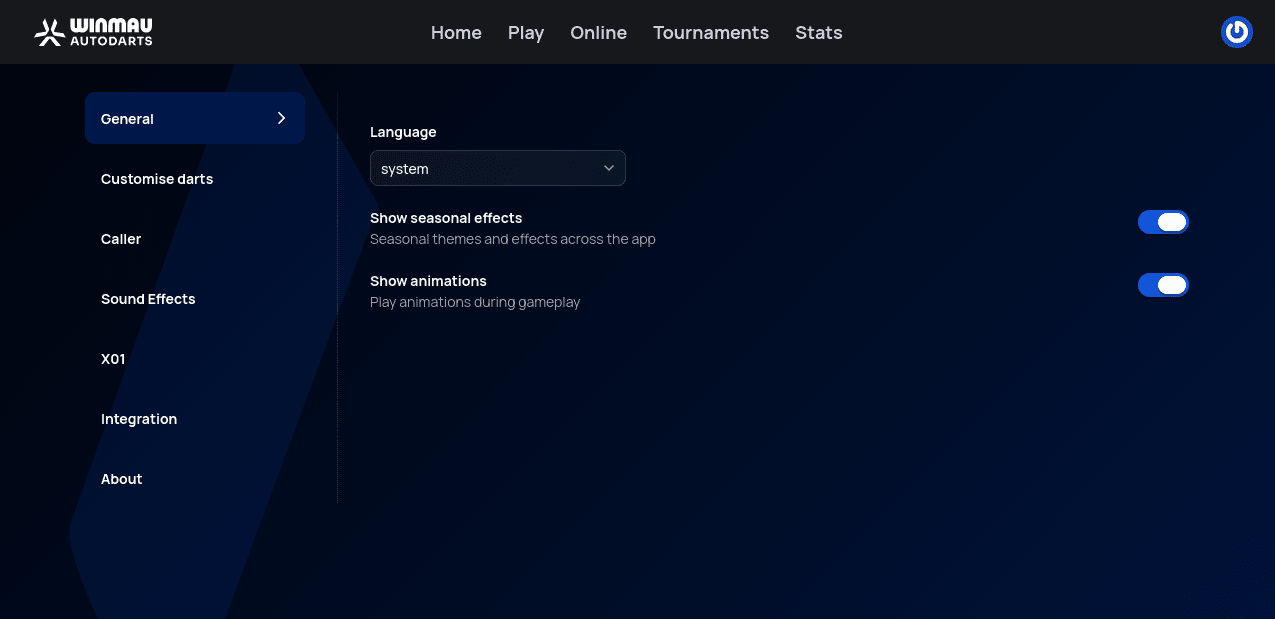
Settings, reached from the user menu in the top-right corner (see Account Setup), holds app-wide preferences — separate from your profile info under Account and your hardware under Devices.
General
Language (defaults to following your system language), plus toggles for Show seasonal effects and Show animations.
Customise darts
Change how your own darts look in-game: Flight Shape, Flight (color), Shaft, Barrel, and Point, each a grid of options to pick from.
This panel is open to everyone, and nothing here is marked with a Plus badge — but without an active Autodarts Plus membership, picking an option here has no effect in-game. Plus is what actually applies your choices.
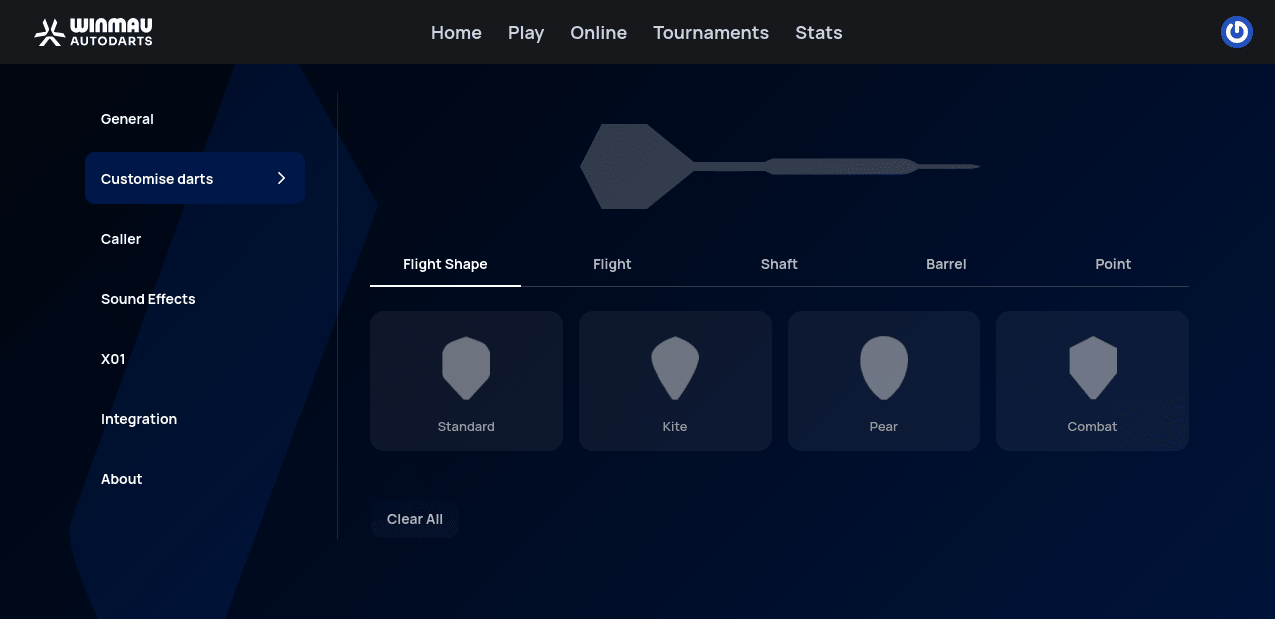
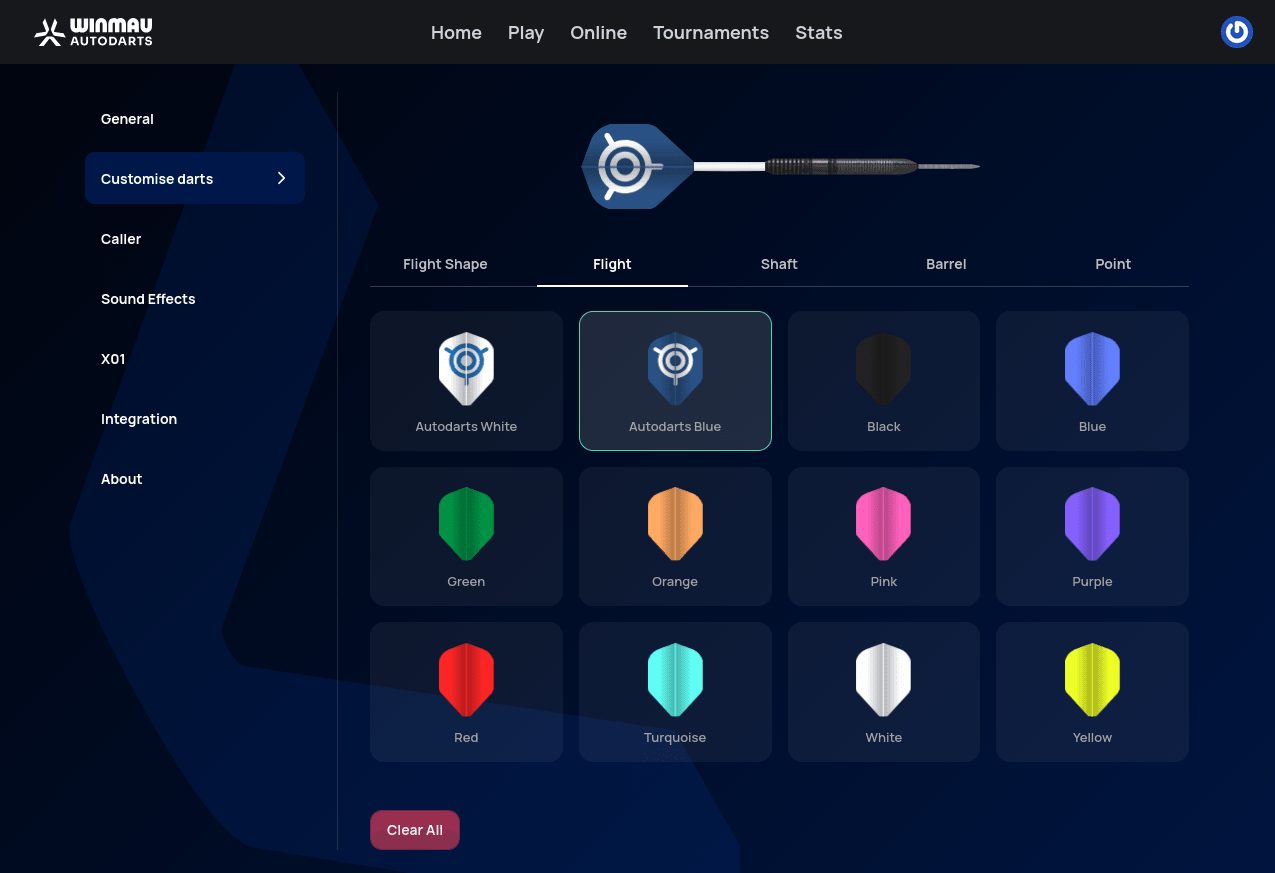
These are the same cosmetic options mentioned under Autodarts Plus.
Caller
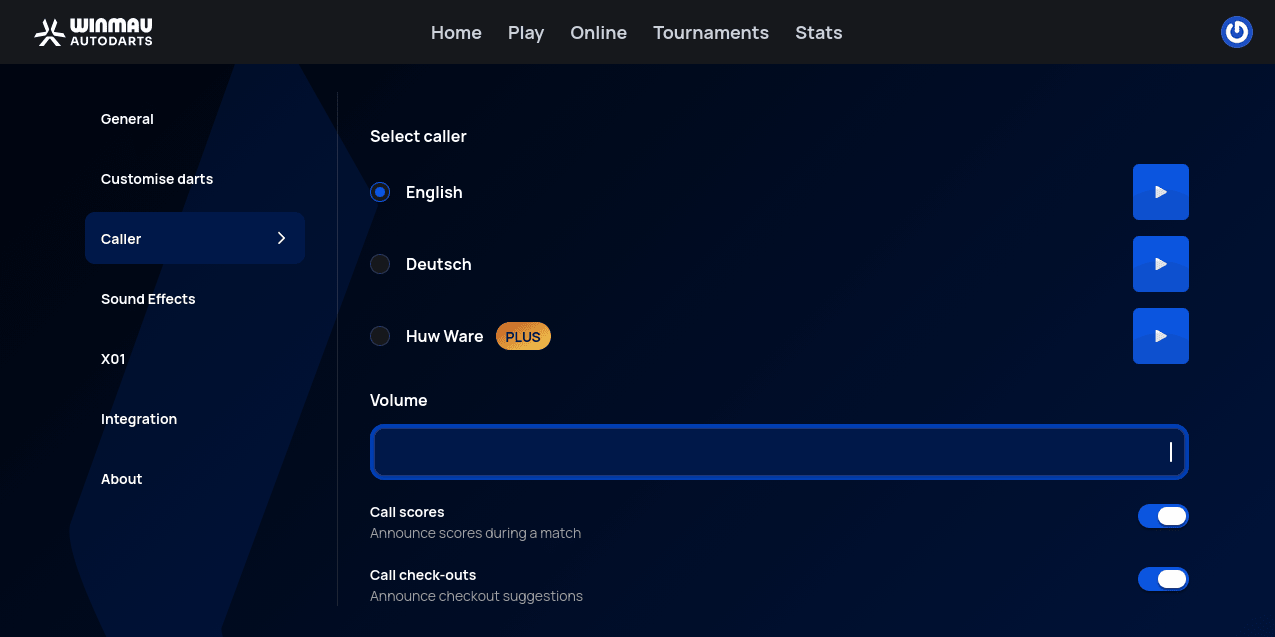
Pick a caller voice to announce scores and checkouts out loud during a match, with a preview button for each. Call scores and Call check-outs (announcing suggested checkouts) can be toggled independently, alongside a Volume slider.
Sound Effects
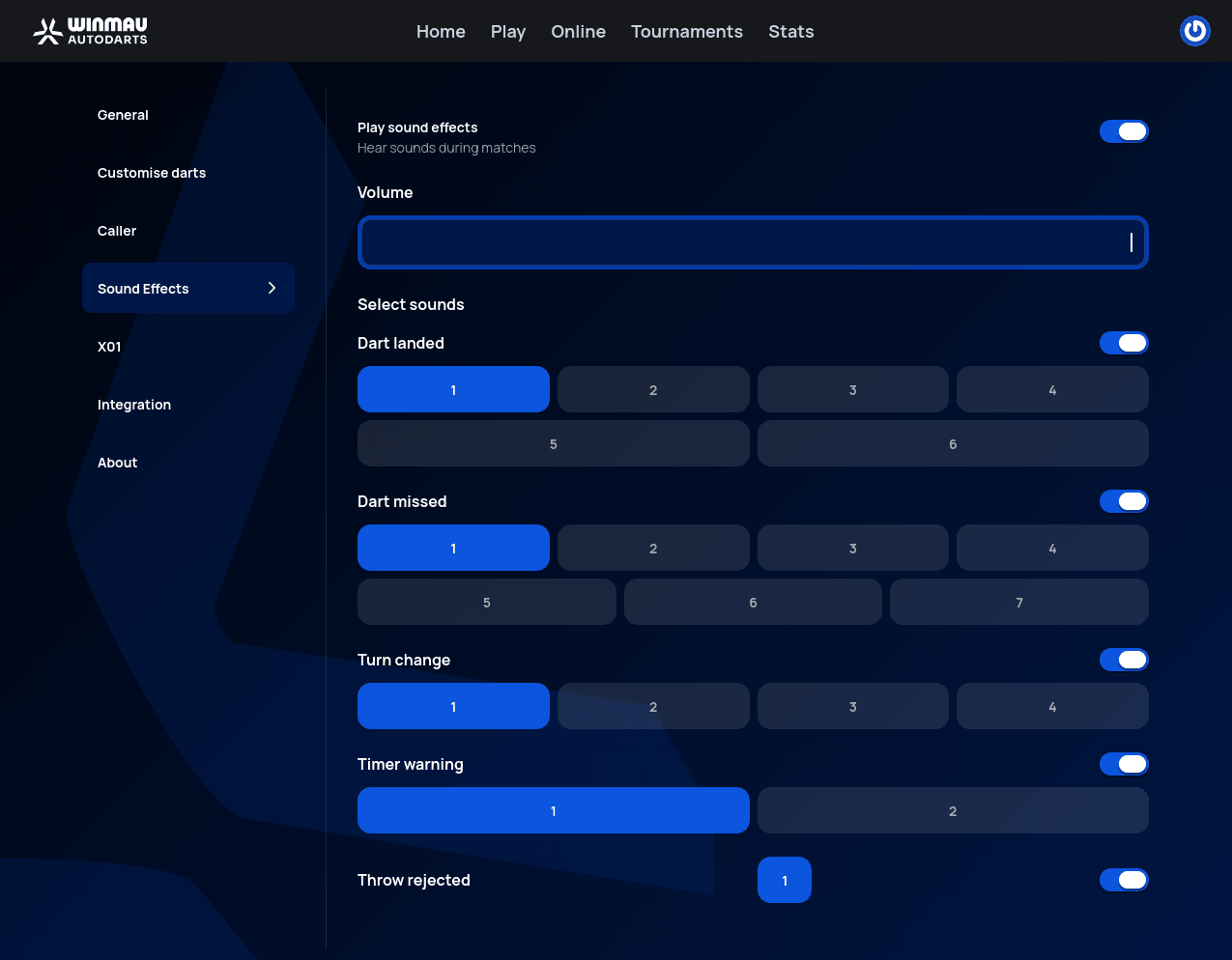
An overall Play sound effects toggle and Volume slider, plus a choice of sound preset (with its own on/off toggle) for each in-game event: Dart landed, Dart missed, Turn change, Timer warning, and Throw rejected.
X01
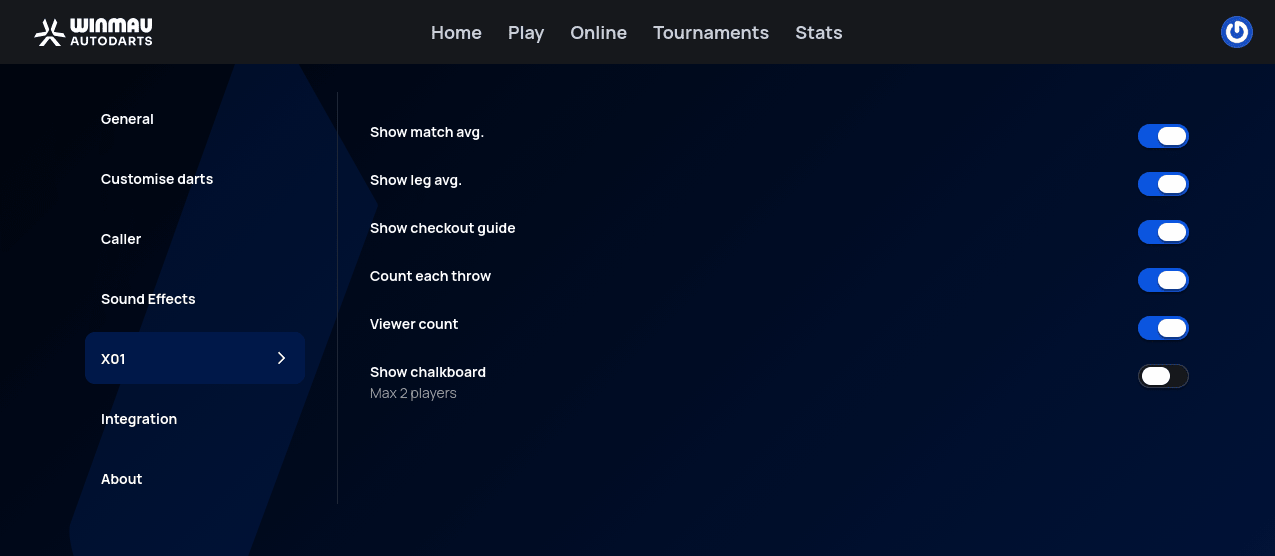
Display options specific to X01 matches: Show match avg., Show leg avg., Show checkout guide, Count each throw, Viewer count, and Show chalkboard (limited to matches with 2 players).
Integration
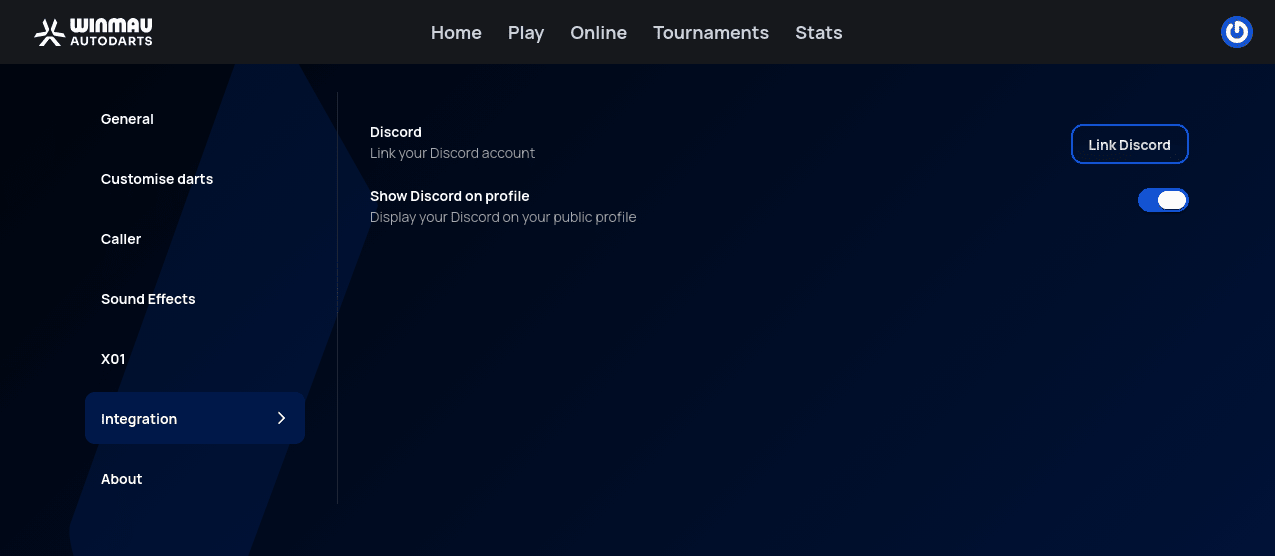
Link your Discord account, and choose whether to show it on your public profile.
About
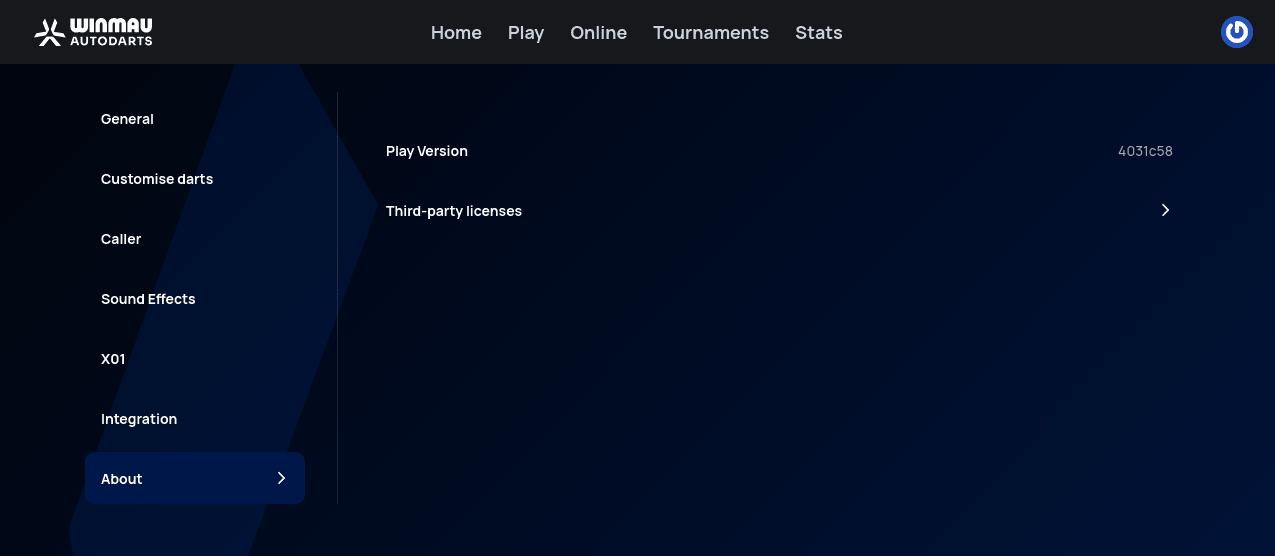
The current Play Version (a build identifier, useful when reporting a bug) and a collapsible Third-party licenses section.
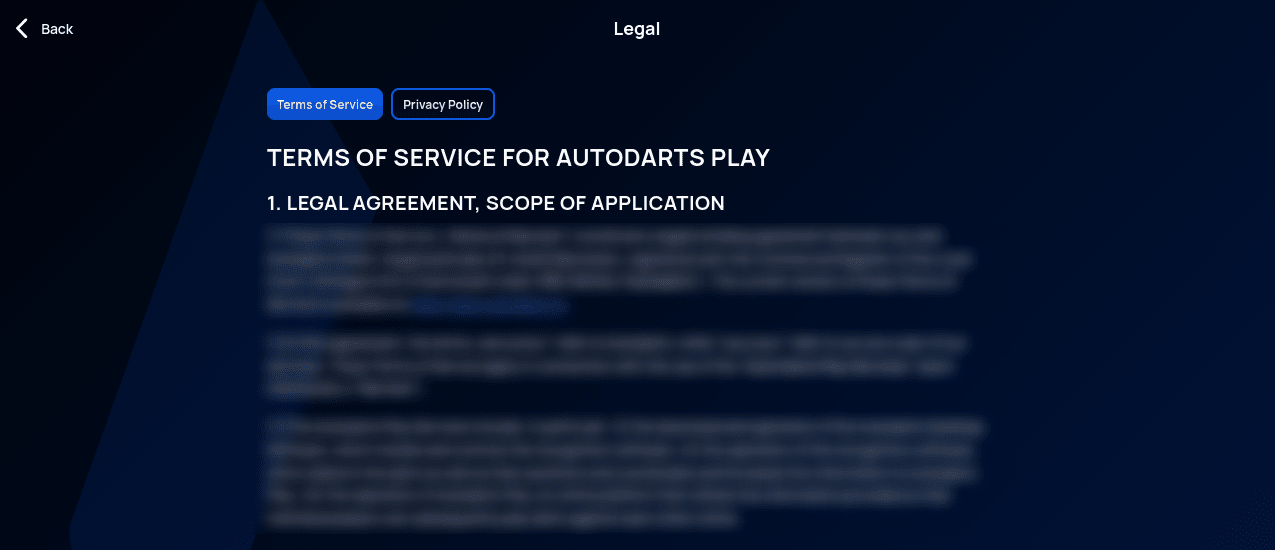
Legal
All the legal documents — the Terms of Service and the Privacy Policy — are in the same menu as Settings, under Legal.