Autoscoring
This page covers what you'll see in the lobby itself once a scoring device is already set up: the Autoscoring toggle, and picking which device to use when you have more than one. Setting the device up in the first place happens separately, in the Detection section — either Lens, which uses a phone or tablet camera and needs no calibration, or Autodarts Desktop, which uses multiple fixed cameras and calibration: teaching the system exactly where your board and its segments are, so it can score darts accurately. For a calibrated board, a recalibration option is also available mid-game.
The Autoscoring toggle
Every lobby has an Autoscoring panel with an on/off toggle:
- Off — type your scores in yourself.
- On — a camera handles the scoring for you, using whichever device is selected below: a calibrated Autodarts board, or a phone or tablet running Lens.
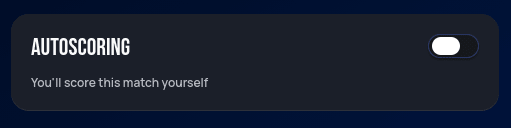
This toggle lives directly in the lobby. Autodarts remembers its on/off state and your last board choice as the default for your next lobby. See Playing Your First Game for what this looks like.
Selecting your device
Toggling Autoscoring on lists your scoring devices as selectable cards — but only the ones currently online. Register five boards and only run one through Autodarts Desktop or a headless install, and that's the only card you'll see; the other four simply don't appear until they're running too.
A phone or tablet running Lens shows up here as its own card too, labelled LENS, listed right alongside your boards — see Two ways to use Lens for how it gets there.
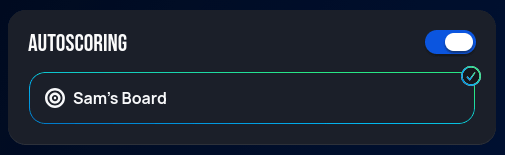
Whichever board you used last gets preselected automatically, but only if that same board is one of the ones currently online:
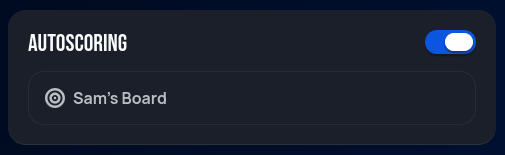
Otherwise — a different board is online instead, or you've never picked one before — it's still listed, just without that highlight, and you'll need to select it yourself:
With more than one device online at once, every one of them shows up this same way, as its own selectable card — pick the one you want to use for this lobby.
Next step
Continue to Playing Your First Game for the full walkthrough, starting from this same lobby screen.