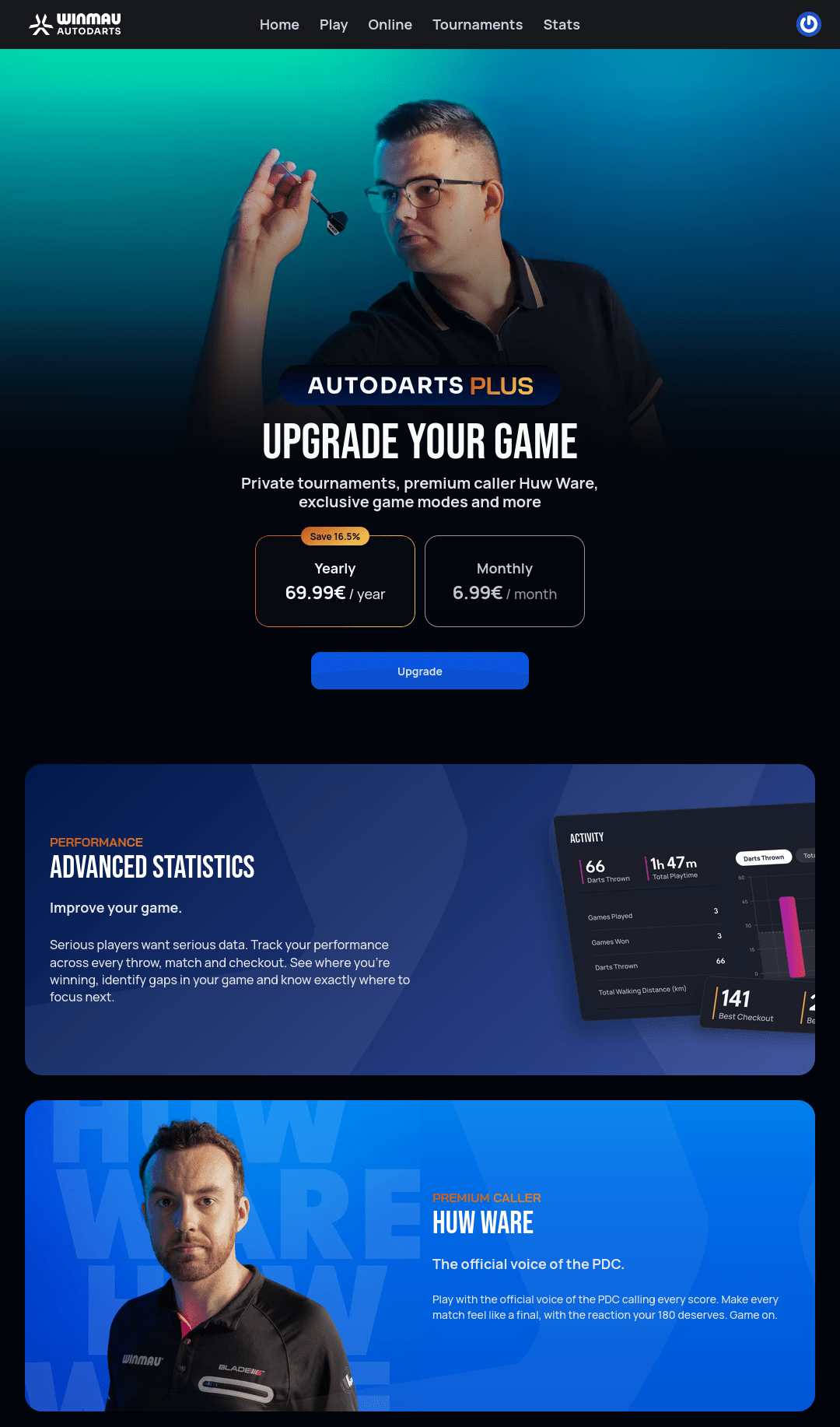
Autodarts Plus
Autodarts is free to play. Autodarts Plus is an optional paid upgrade — Upgrade to Autodarts Plus is the first item in the user menu. It's normally paid for as a subscription, but a voucher — a card you buy that unlocks a fixed 12 months — is a second way to pay for it, and promo codes turn up now and again as well. Both are entered under Redeem a code.
What Plus includes
As of this writing:
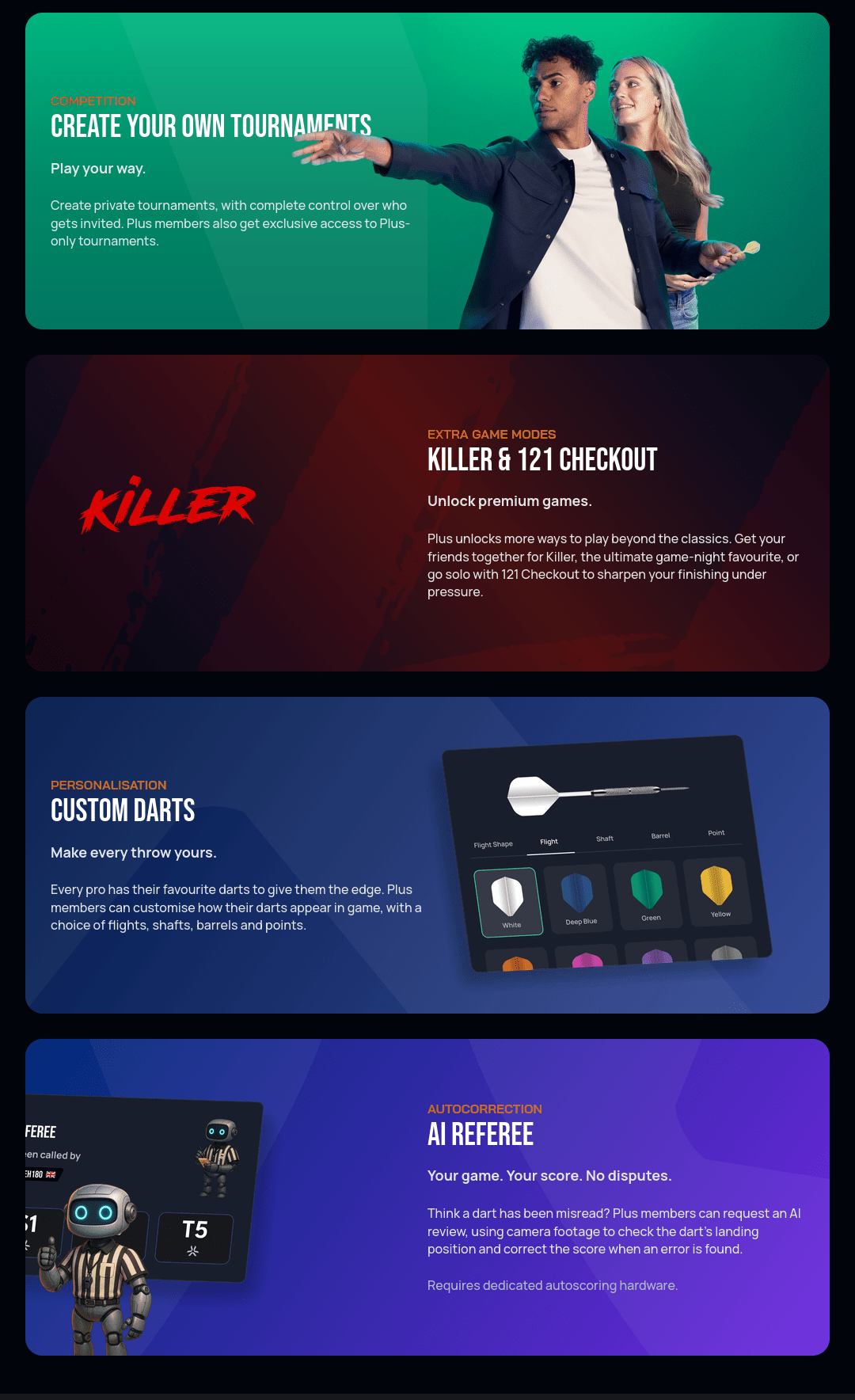
- AI Referee — a robot button on the score row that asks the AI to
review the darts you've thrown so far this turn. With Plus, the button
is in every match:
- In an ordinary match — one where the Referee setting is off — it fixes a misread dart for you, instead of you correcting it by hand. If the AI gets it wrong too, correcting by hand is still there. Without Plus there's no button, so by hand is the only way.
- In a Referee match, manual correction is switched off for everyone: the AI is the only way to fix a misread dart, and your opponent has to confirm the change for it to stick. Switching the Referee setting on always needs Plus, but who ends up in such a match differs: in a custom lobby a Plus host can invite players without Plus, and they play with the referee too, whereas Matchmaking queues the two settings separately, so a free account never ends up in one there.
- Checkout darts are reviewed automatically either way, without being called — they'd otherwise decide the leg.
- Advanced Statistics — a deeper personal stats dashboard beyond the free Statistics page, covering trends over custom timeframes.
- Custom darts — customized dart/flight appearances used in-game; see Customise darts for the settings panel itself — it's open to everyone, but Plus is what actually makes your choices there take effect.
- Exclusive and private tournaments — extra tournament access, including hosting your own invite-only tournament, and entry to Referee Protected runs, which play every match with the AI referee active.
- Premium caller — the official PDC caller Huw Ware announcing your scores, instead of the default caller voice.
- Killer & 121 Checkout — two extra game modes unlocked on top of the free ones: Killer and 121, which the game-mode picker lists as plain 121.
- Unlimited Lens — no cap on autoscoring matches played through Lens, the phone/tablet camera scoring method. Free accounts get 5 per 30-day period instead.
AI Referee and exclusive/private tournaments both need a dedicated autoscoring setup with multiple cameras, so they aren't available in matches scored by Lens — see What Lens can't do.
Subscribing
Upgrade to Autodarts Plus in the user menu opens the subscription screen, where the upgrade is billed either monthly or yearly.
Redeem a code
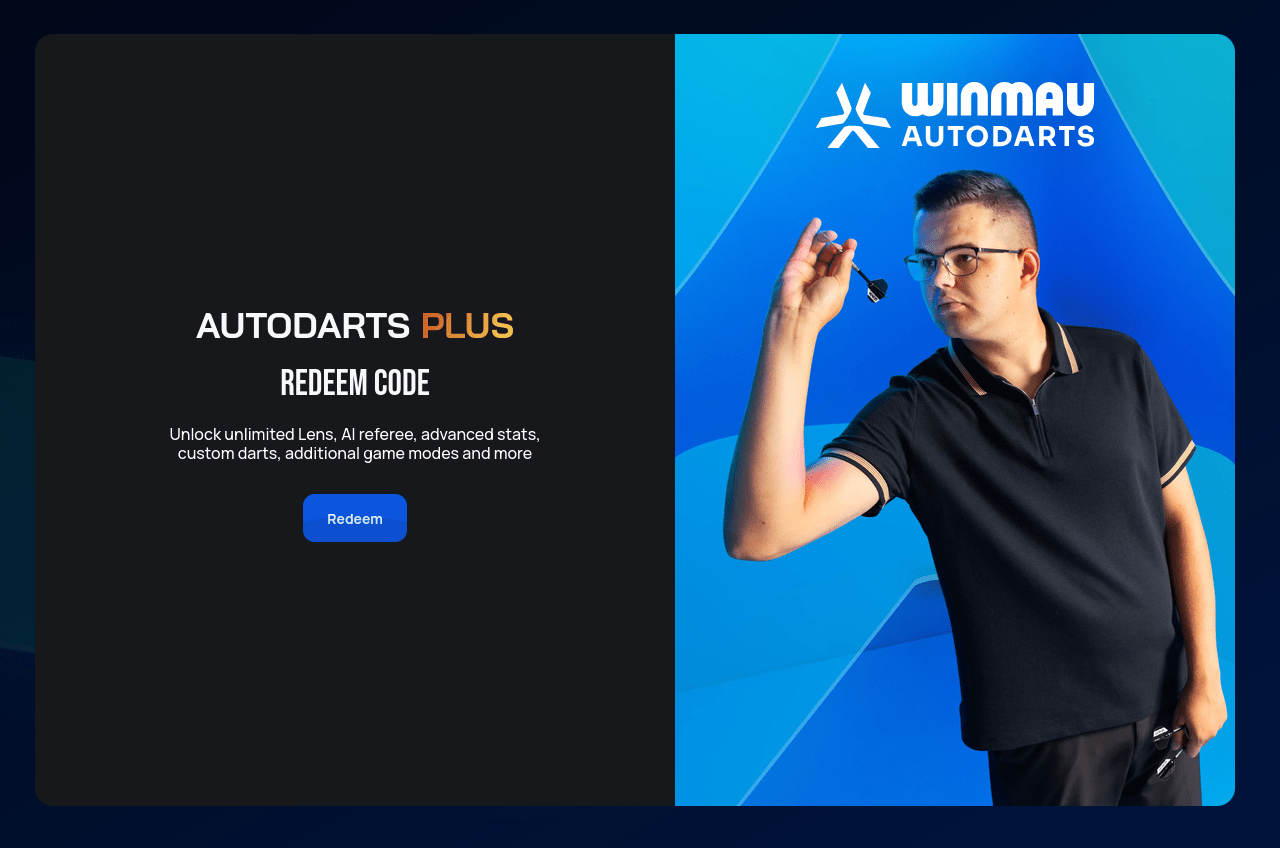
Entering a code is the alternative to subscribing. Most codes are vouchers — cards bought to unlock a fixed 12 months of Plus. A voucher is a way of paying for Plus up front rather than a way around paying for it, which makes it the route to take if you'd rather not leave a card on file at all.
Promo codes are the exception, given away rather than sold, and shared publicly by players, streamers and other Autodarts influencers. They're worth keeping an eye out for if you want to try Plus before committing to it — they turn up in videos, streams and community posts — but they appear now and again rather than reliably, and most allow only a set number of uses, so they go first come, first served.
Codes are redeemed on a page of their own, play.autodarts.com/redeem, rather than through the user menu. The page calls them coupons — voucher, promo code and coupon all mean the same thing here.
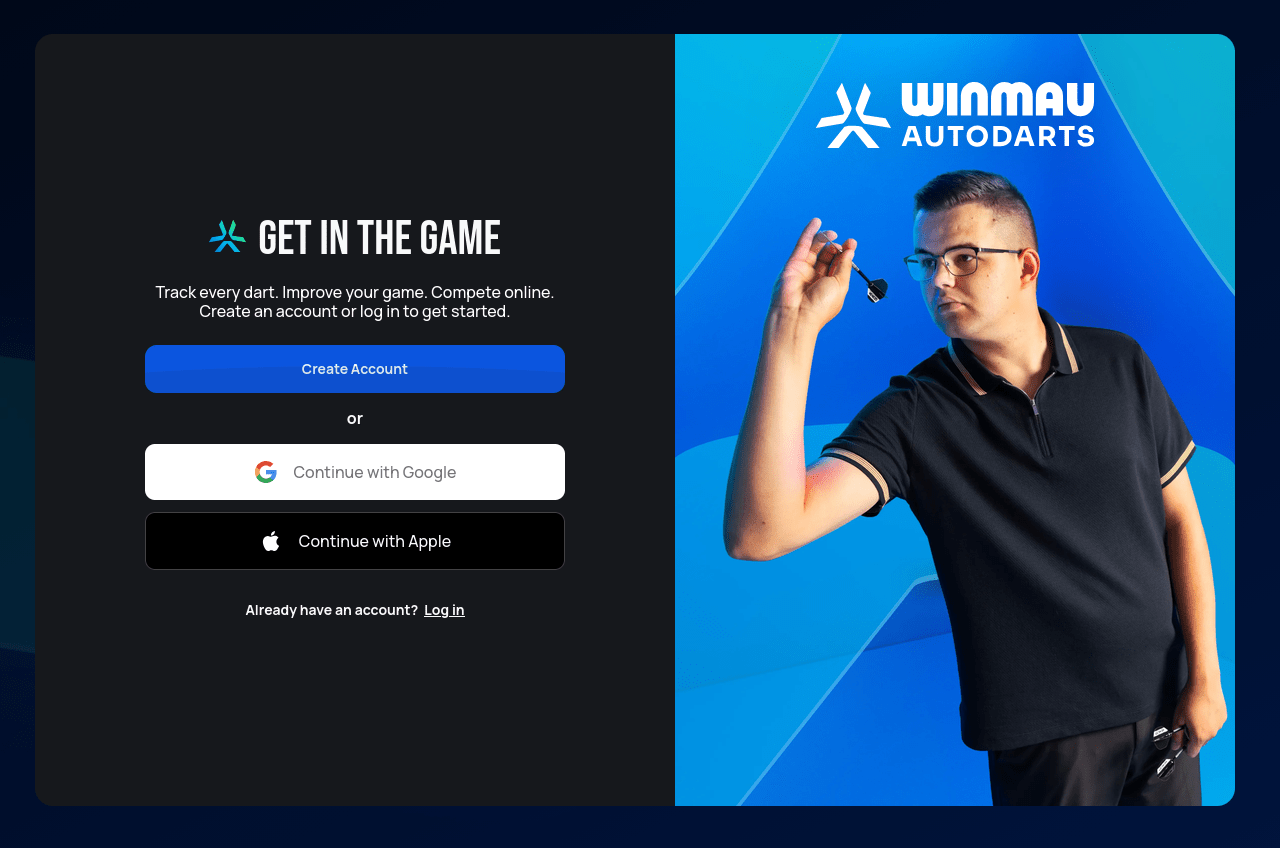
A code is attached to an account, so you have to be signed in to claim one. Choosing Redeem while logged out sends you to the usual sign-up and log-in screen first — see Create your account if you don't have an account yet.
Once you're signed in, the same page shows the code box instead. Type or paste the code in and choose Check — that only looks the code up, nothing is claimed yet.
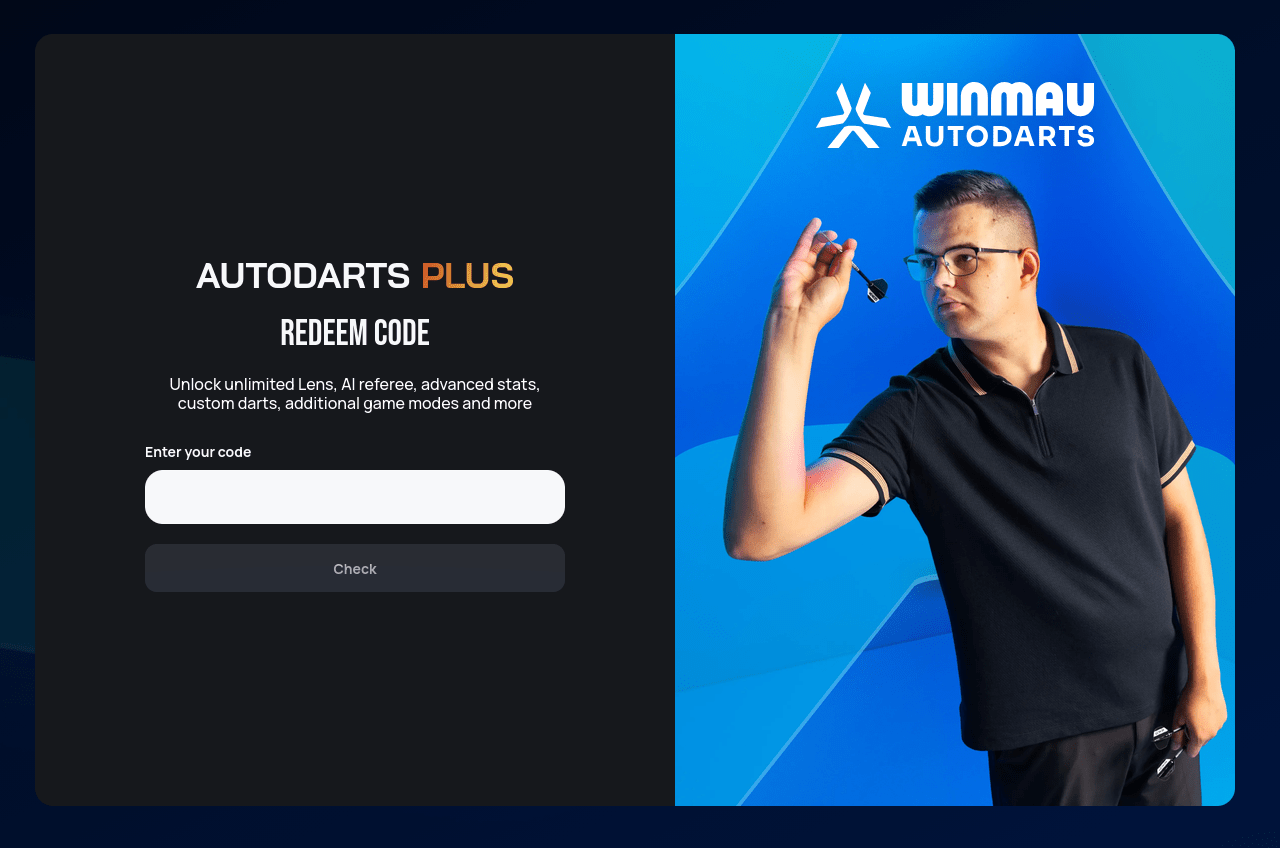
What the code is worth
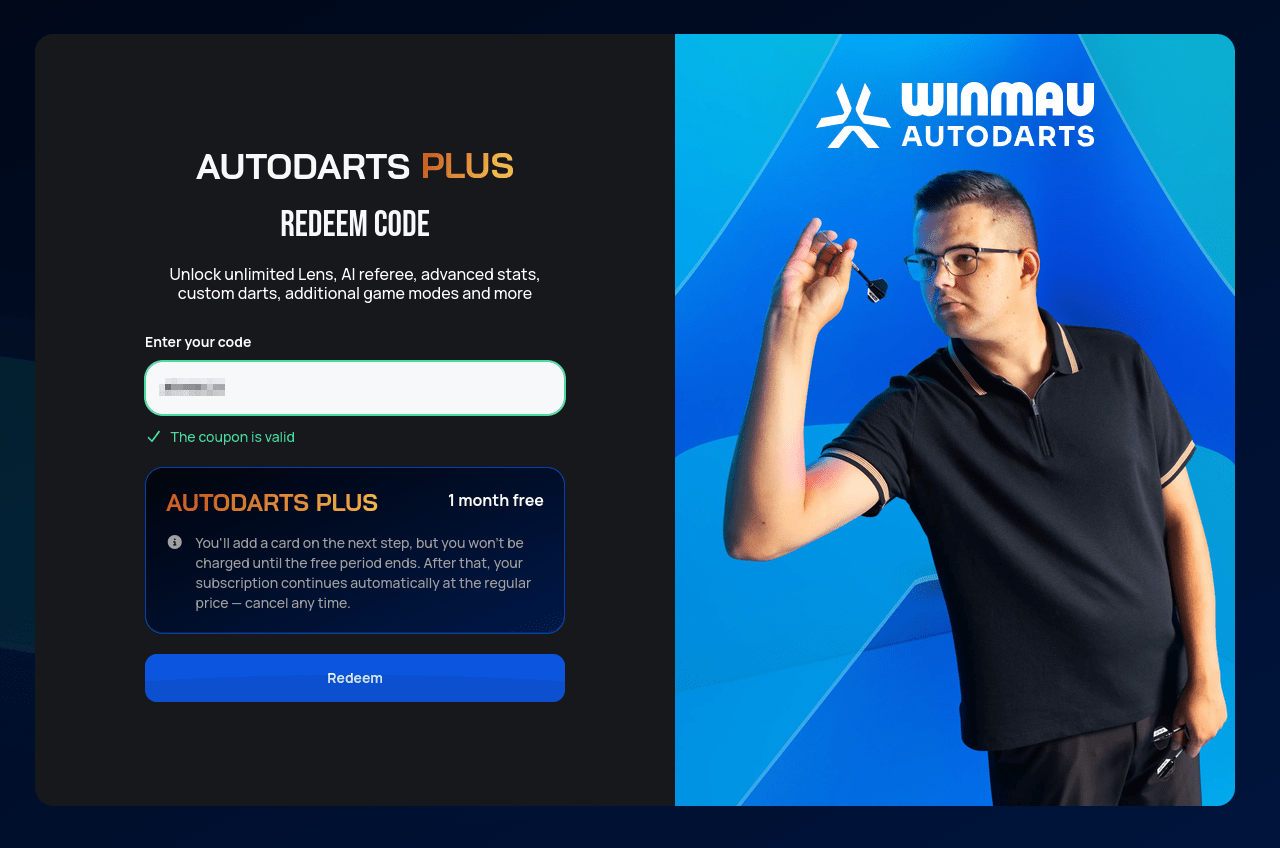
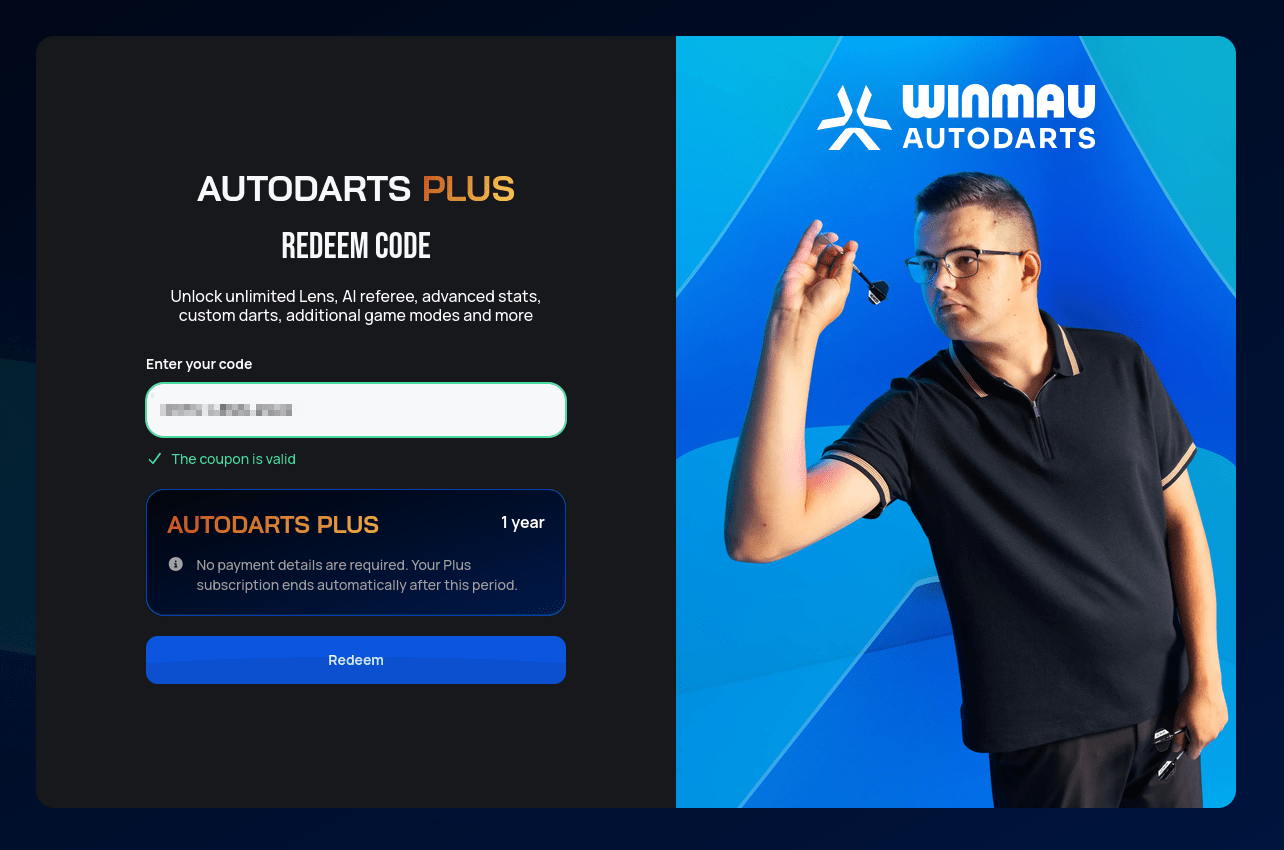
A code that passes turns the box green with The coupon is valid, and a card underneath spells out what you're about to claim. It's worth reading, because codes come in two rather different kinds.
Some are free trials of the paid subscription. The card names the free period and says up front that a payment method is needed on the next step — once the free period runs out, the subscription carries on at the regular price until you cancel it.
A voucher code hands you 12 months of Plus outright, with no payment details involved at all.
A membership claimed with a voucher code runs out rather than renewing itself. Shortly before the period is up, Autodarts' payment provider (Stripe) emails you asking for card details so the membership can carry on. Add them and Plus renews at the normal price; ignore the email and nothing is charged — Plus simply stops on the end date and the account returns to its free features.
If you'd rather stay on vouchers than hand over a card, that works too: buy another 12-month voucher and redeem it here exactly as before.
Either way, Redeem is the button that actually claims the code.
When a code is refused
If the code doesn't take, a red message appears under Check saying which of three things went wrong:
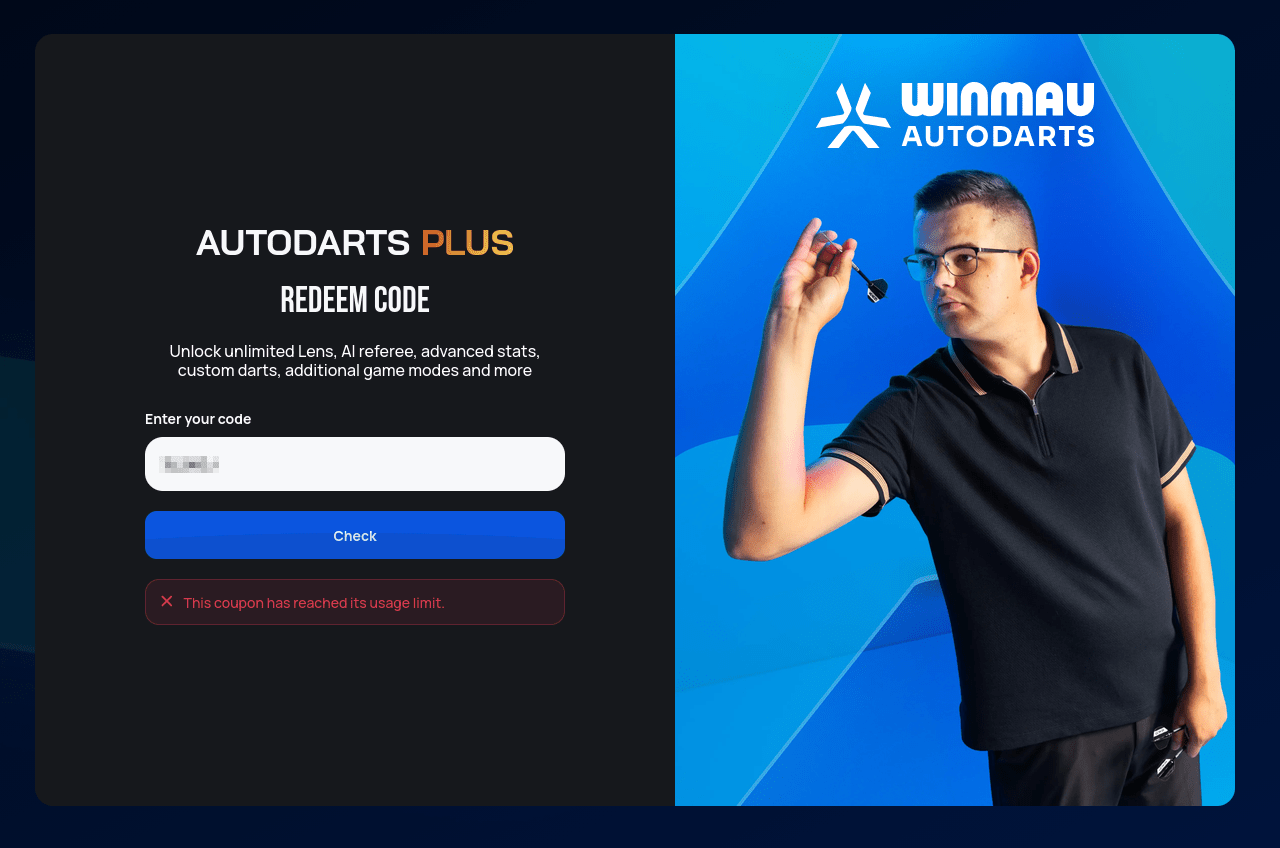
- This coupon has reached its usage limit. — the code is genuine, but it has already been claimed as many times as it allows. That's the usual fate of a widely shared promo code, and there's nothing to fix on your end; the only option is to watch for the next one.
- We could not find this coupon code. — no code of that name exists.
Codes are long and mix letters with digits, so it's worth re-checking
the characters that look alike (a
0for anO, a1for anl) before writing the code off. - Something went wrong. Please try again. — a temporary hiccup rather than a verdict on the code. Wait a moment and check it again.
The last step
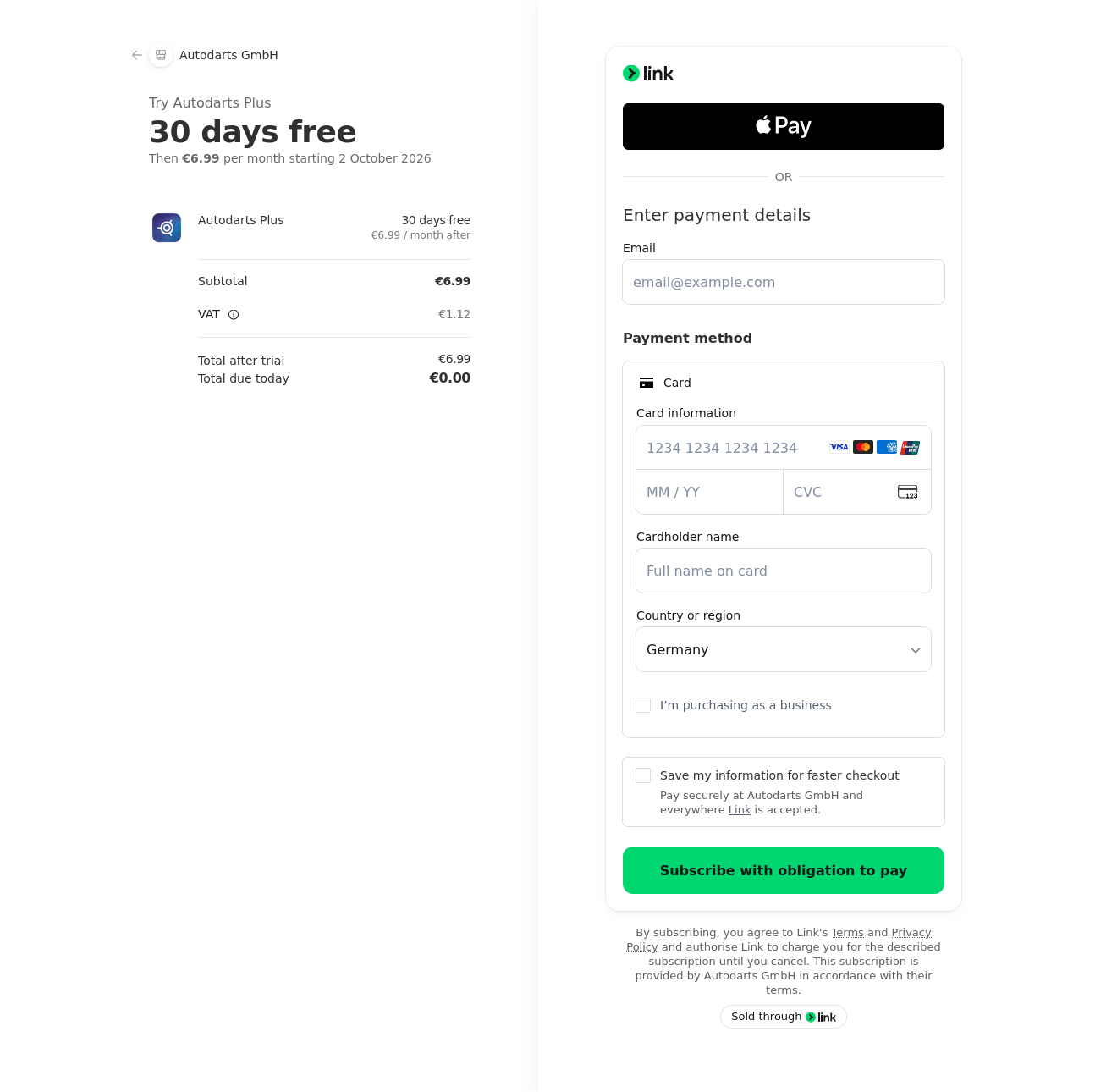
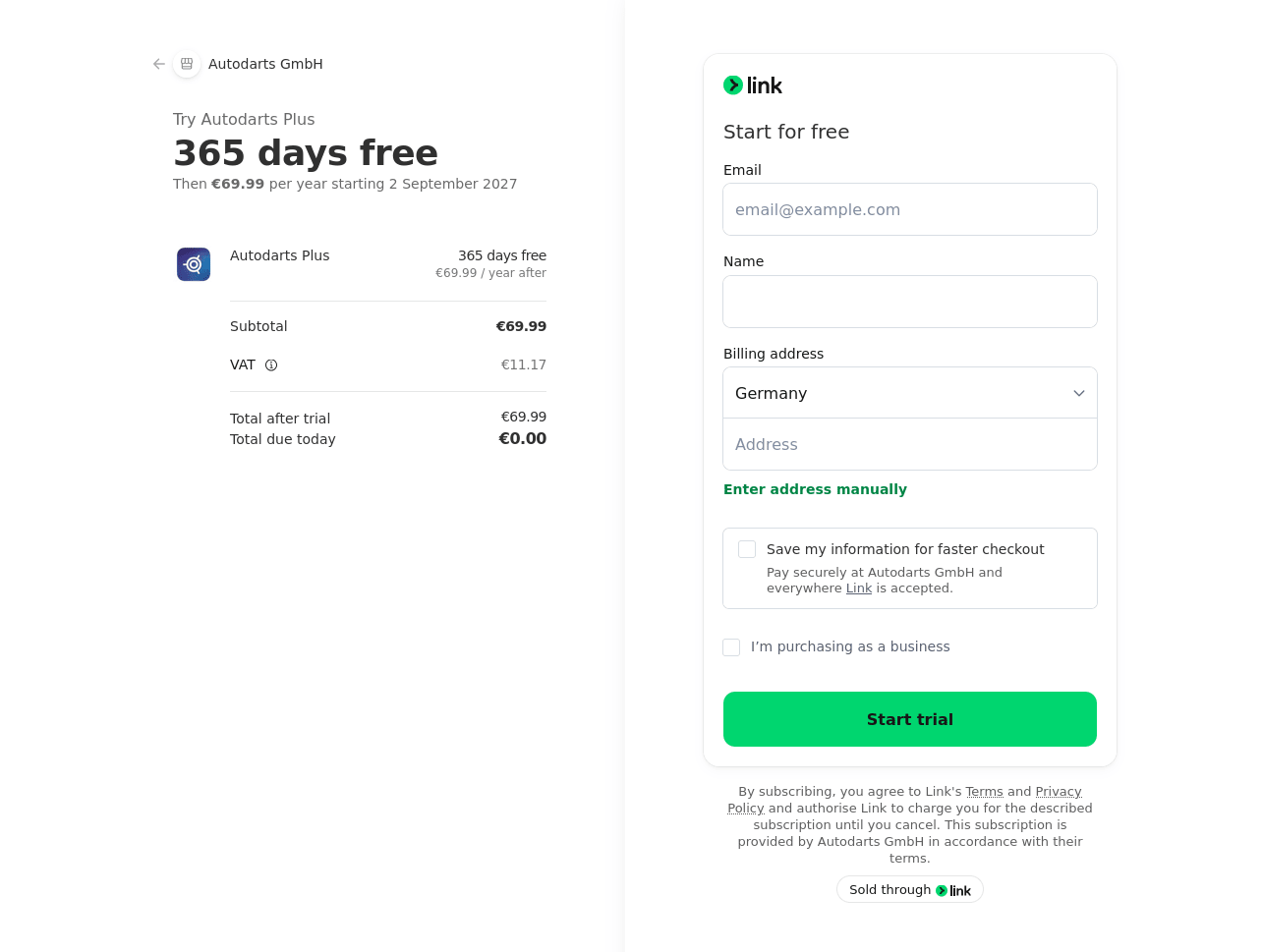
Redeem hands you over to Autodarts' payment provider to finish up, which is why that page looks nothing like the rest of the site. Total due today is €0.00 either way — the code covers the free period, and what the page asks of you depends on which kind of code it was.
A trial code needs a payment method, and the page states plainly when the first charge would fall due:
A voucher code asks only for an email address, a name and a billing address. It still names a date and a price for the next payment — that's the renewal it would charge if you supply card details when the reminder email arrives, not something owed now:
Once that page is submitted, Plus is live on your account, and everything in the list above is unlocked.